> ## Documentation Index
> Fetch the complete documentation index at: https://subframe-59800133-gtmbot-restructure-dark-mode-docs-v2.mintlify.site/llms.txt
> Use this file to discover all available pages before exploring further.

# Keyboard shortcuts

> Speed up your workflow with keyboard shortcuts.

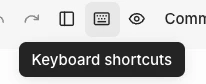
You can view the full list of keyboard shortcuts at any time by clicking the keyboard icon <Icon icon="keyboard" size={16} /> in the editor navbar.

<Frame>
  <img src="https://mintcdn.com/subframe-59800133-gtmbot-restructure-dark-mode-docs-v2/GZlpuvApSd_ADHAr/images/design-mode/keyboard-shortcuts.png?fit=max&auto=format&n=GZlpuvApSd_ADHAr&q=85&s=2e23c161c5bbcb5f5875790512420872" alt="Keyboard shortcuts panel showing the keyboard icon in the editor navbar" width="206" height="84" data-path="images/design-mode/keyboard-shortcuts.png" />
</Frame>

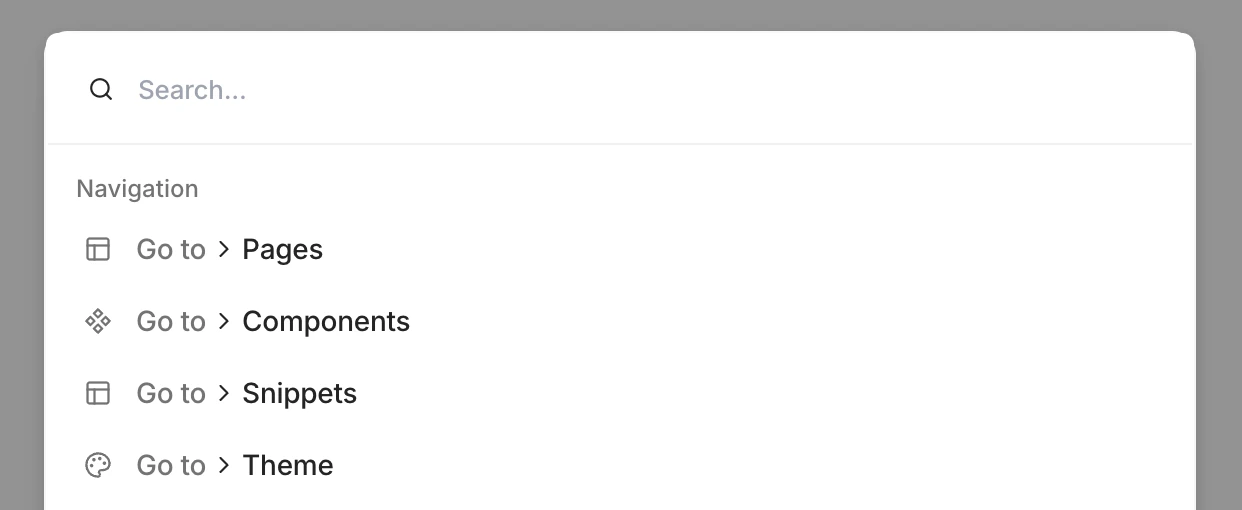
You can also press <kbd>Cmd</kbd> + <kbd>K</kbd> to quickly navigate to another component.
<Frame>
  <img src="https://mintcdn.com/subframe-59800133-gtmbot-restructure-dark-mode-docs-v2/GZlpuvApSd_ADHAr/images/design-mode/cmd-k.png?fit=max&auto=format&n=GZlpuvApSd_ADHAr&q=85&s=767e44083166b93e5ad685e416d4e3a1" alt="Cmd + K keyboard shortcut showing the search input" width="1242" height="510" data-path="images/design-mode/cmd-k.png" />
</Frame>